 EN
ENLearn How To Export Get Ready to Export

Learn How To Export
Overview
Follow our three-phased Export Solutions Roadmap to ensure you have the knowledge and skillset to be a successful exporter.
- Learn why exporting is a good business decision.
- Watch our video overviewing the export process.

Phase One: Prepare
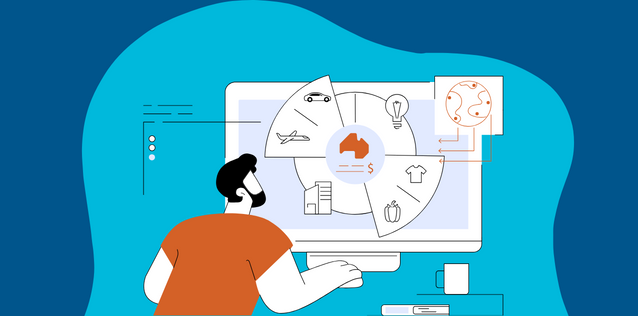
Growing your sales in international markets requires your company to first determine its commitment, create a business plan, and tap into local exporting assistance and business development loans and guarantees.
Phase Two: Begin
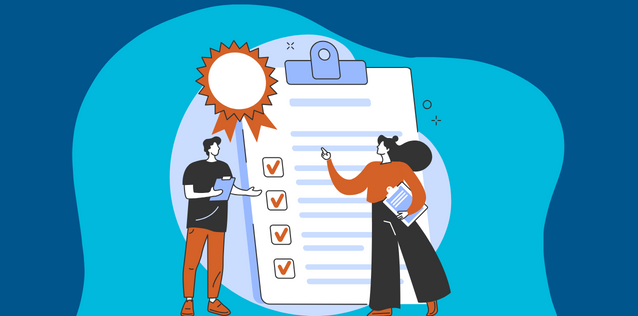
Use our market research reports and tools to find promising markets, while honing your skills at negotiating profitable transactions. At this stage, you also need to ensure your product can meet foreign product standards and complies with U.S. regulations.


Phase Three: Execute
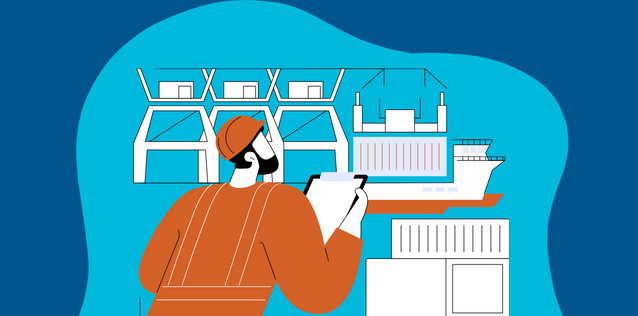
Success depends on finding a trusted business partner to ensure that you get paid and are avoiding financial risks. Be ready to comply with foreign regulations and settle on shipping terms. You can also benefit from the customized solutions of the U.S. Commercial Service.


Featured Events


Search Our Events
Find in-person and virtual options.

Trade Shows
Meet foreign buyers and get market insights.

Discover Global Markets
Our flagship event series for U.S. companies.

Trade Missions
Get valuable support and connections in foreign markets.
Continue Your Export Journey
Recommended next steps.

Solutions for new and experienced exporters.

Our three-phased approach to start exporting.

Learn about our global network of export experts.

Subscribe to our newsletter for regular updates.
Global Business Navigator Chatbot Beta
Welcome to the Global Business Navigator, an artificial intelligence (AI) Chatbot from the International Trade Administration (ITA). This tool, currently in beta version testing, is designed to provide general information on the exporting process and the resources available to assist new and experienced U.S. exporters. The Chatbot, developed using Microsoft’s Azure AI services, is trained on ITA’s export-related content and aims to quickly get users the information they need. The Chatbot is intended to make the benefits of exporting more accessible by understanding non-expert language, idiomatic expressions, and foreign languages.
Limitations
As a beta product, the Chatbot is currently being tested and its responses may occasionally produce inaccurate or incomplete information. The Chatbot is trained to decline out of scope or inappropriate requests. The Chatbot’s knowledge is limited to the public information on the Export Solutions web pages of Trade.gov, which covers a wide range of topics on exporting. While it cannot provide responses specific to a company’s product or a specific foreign market, its reference pages will guide you to other relevant government resources and market research. Always double-check the Chatbot’s responses using the provided references or by visiting the Export Solutions web pages on Trade.gov. Do not use its responses as legal or professional advice. Inaccurate advice from the Chatbot would not be a defense to violating any export rules or regulations.
Privacy
The Chatbot does not collect information about users and does not use the contents of users’ chat history to learn new information. All feedback is anonymous. Please do not enter personally identifiable information (PII), sensitive, or proprietary information into the Chatbot. Your conversations will not be connected to other interactions or accounts with ITA. Conversations with the Chatbot may be reviewed to help ITA improve the tool and address harmful, illegal, or otherwise inappropriate questions.
Translation
The Chatbot supports a wide range of languages. Because the Chatbot is trained in English and responses are translated, you should verify the translation. For example, the Chatbot may have difficulty with acronyms, abbreviations, and nuances in a language other than English.
Privacy Program | Information Quality Guidelines | Accessibility
Source: Original website ·Read original
Related Learning

The difference between an invoice and a proforma invoice
The difference between an invoice and a proforma invoice Learn the key differences between invoices …
Tariffs and Trade: A CFO’s Roadmap for Service Export Growth
Tariffs and Trade: A CFO’s Roadmap for Service Export Growth CFOs in Bangladesh are reshaping how se…
How to Start a Brand: From Market Positioning to Launch
Table of Contents What Should You Define Before Building Your Brand? How Do You Start a Brand Step b…